

Network
Create a Tillered Cloud network to connect your nodes
A network groups related nodes together into an isolated overlay. Before you can deploy and register nodes, you need at least one network.
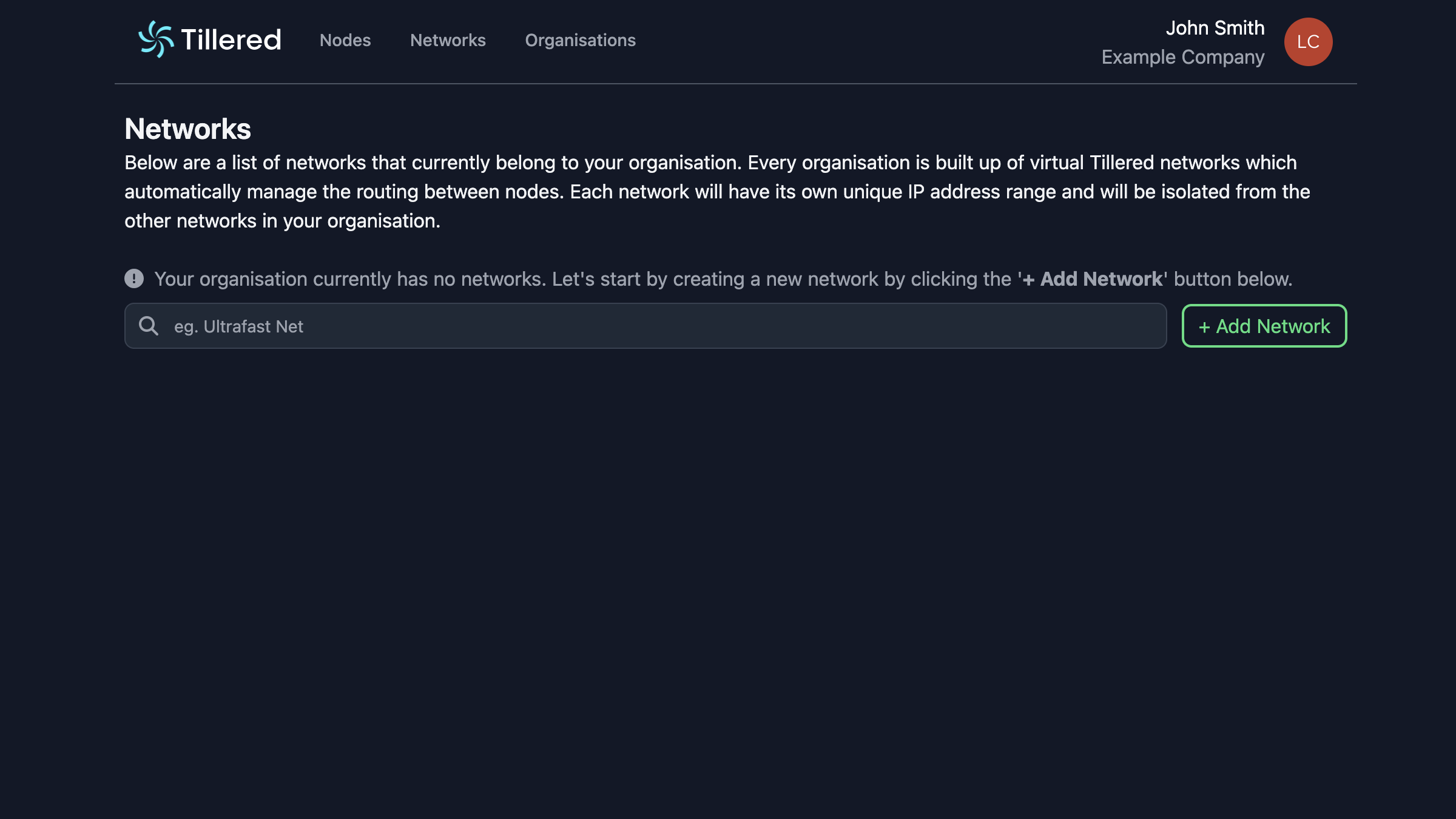
Navigate to the Networks tab
Go to the Networks tab. If you have not created any networks yet, you will see an empty state.
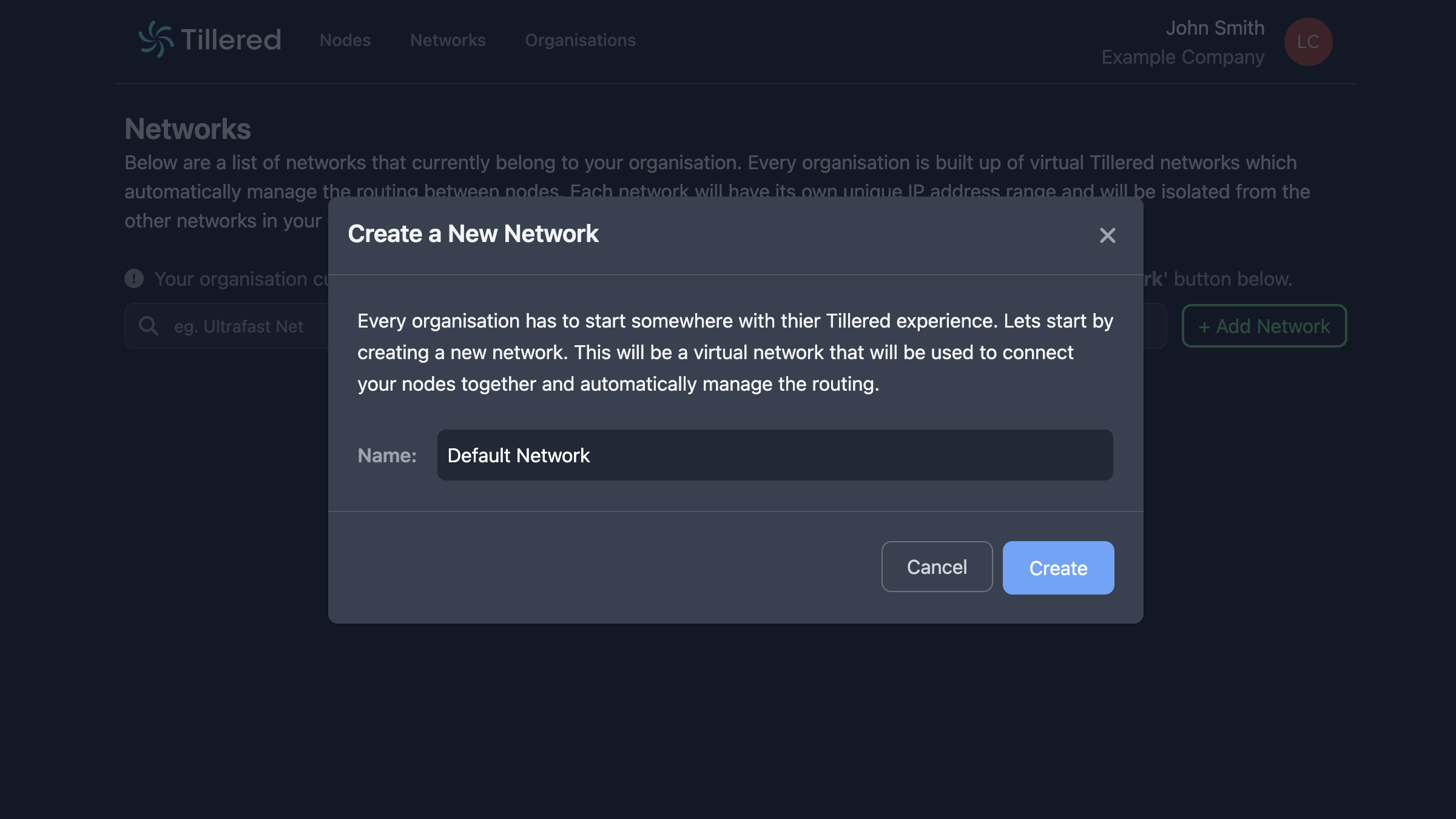
Create a network
Click Add Network, enter a name for your network, and click Create.
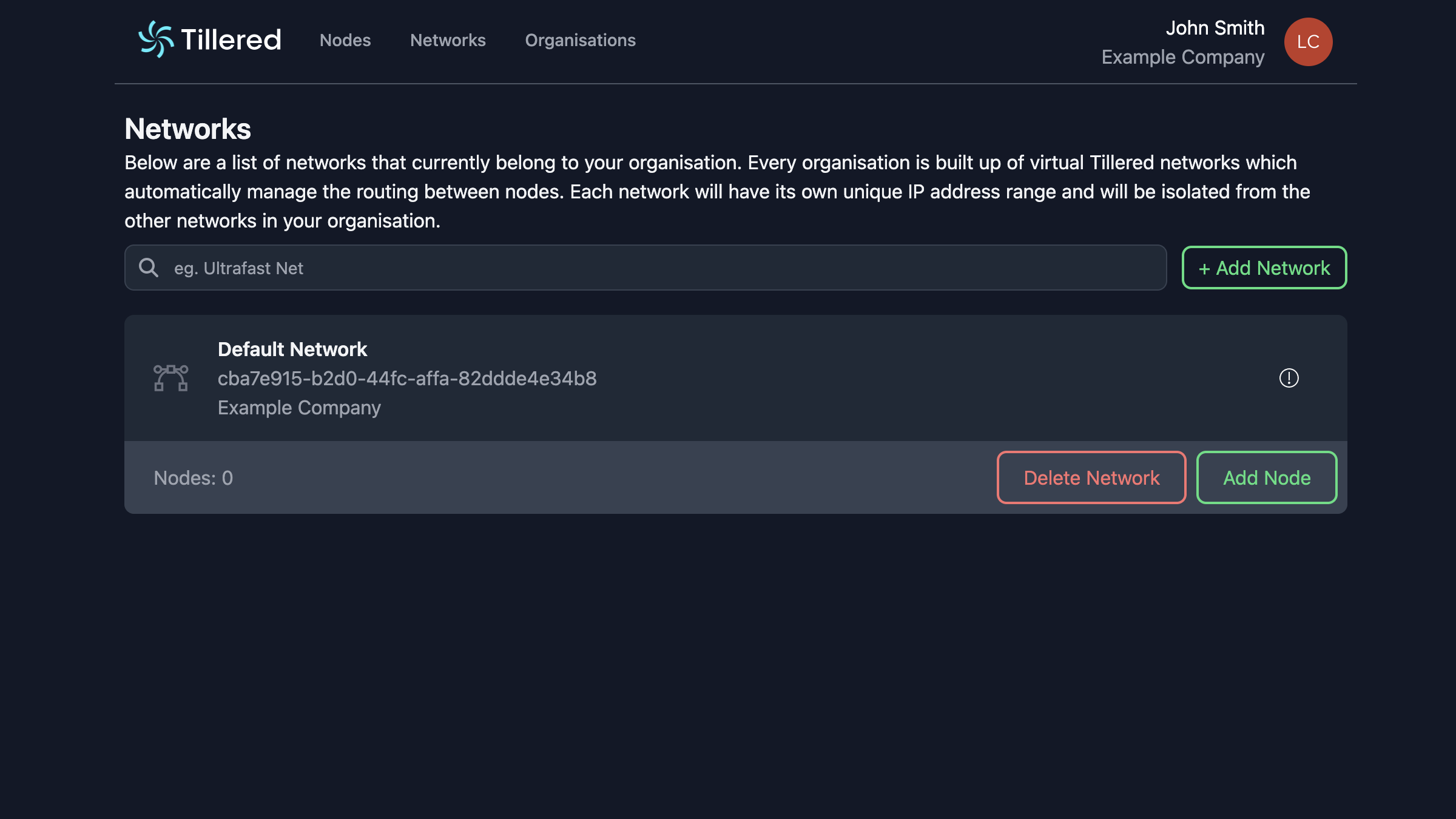
Your network is now ready for nodes.
In Tillered Cloud, each pair of nodes has a single link. You can enable transparent mode on that link to preserve source IPs across the tunnel.
Next steps
With a network ready, proceed to deploy a node on your platform.