

Organisation
Create or join a Tillered Cloud organisation
An organisation groups your networks, nodes, and team members together. You can create a new organisation or join an existing one.
Navigate to the Organisations tab
After signing in, go to the Organisation tab. If you have not joined an organisation yet, you will see an empty state prompting you to add one.
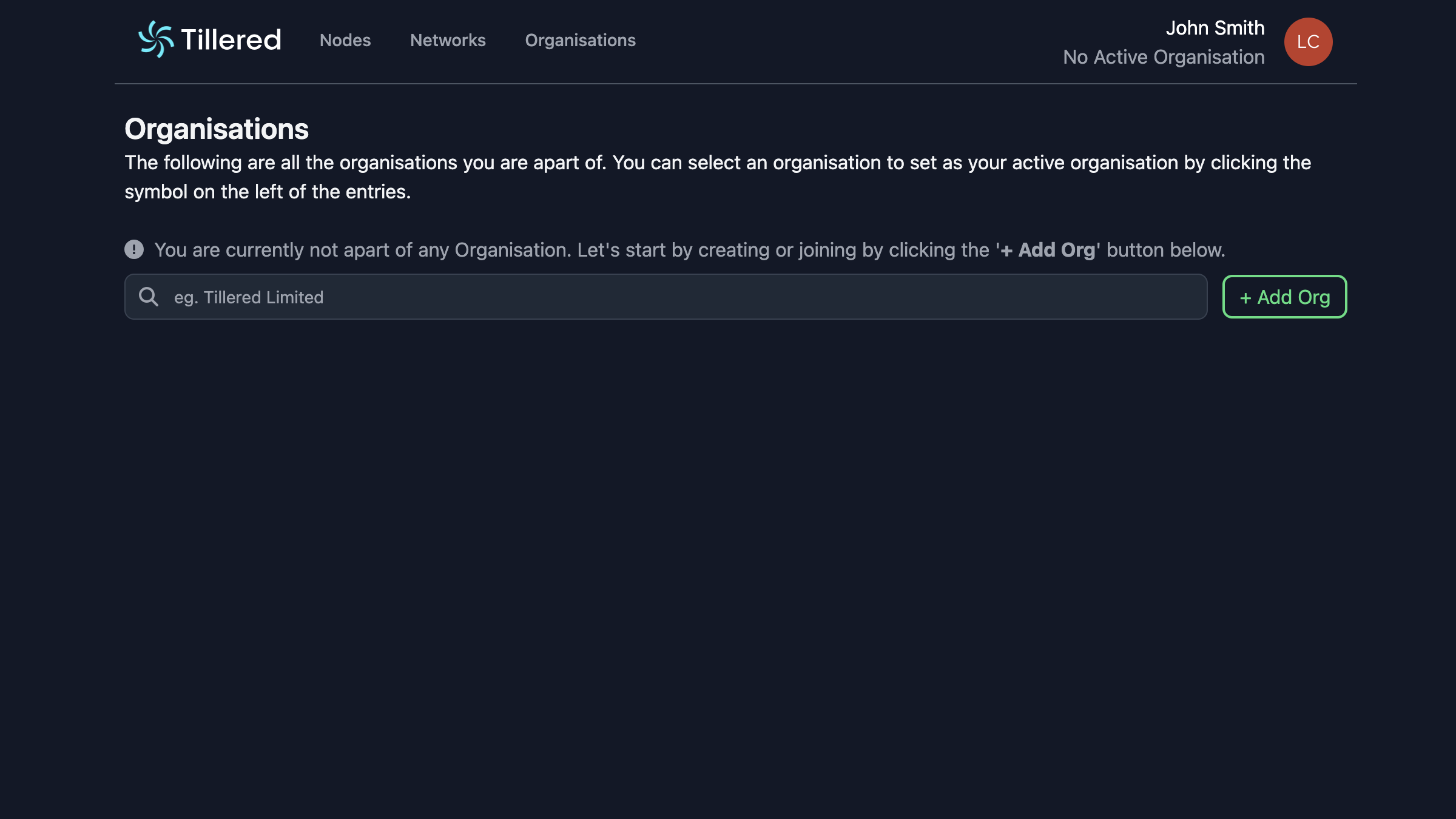
Create a new organisation
Click Add Org and select Create New. The creation modal walks you through five steps:
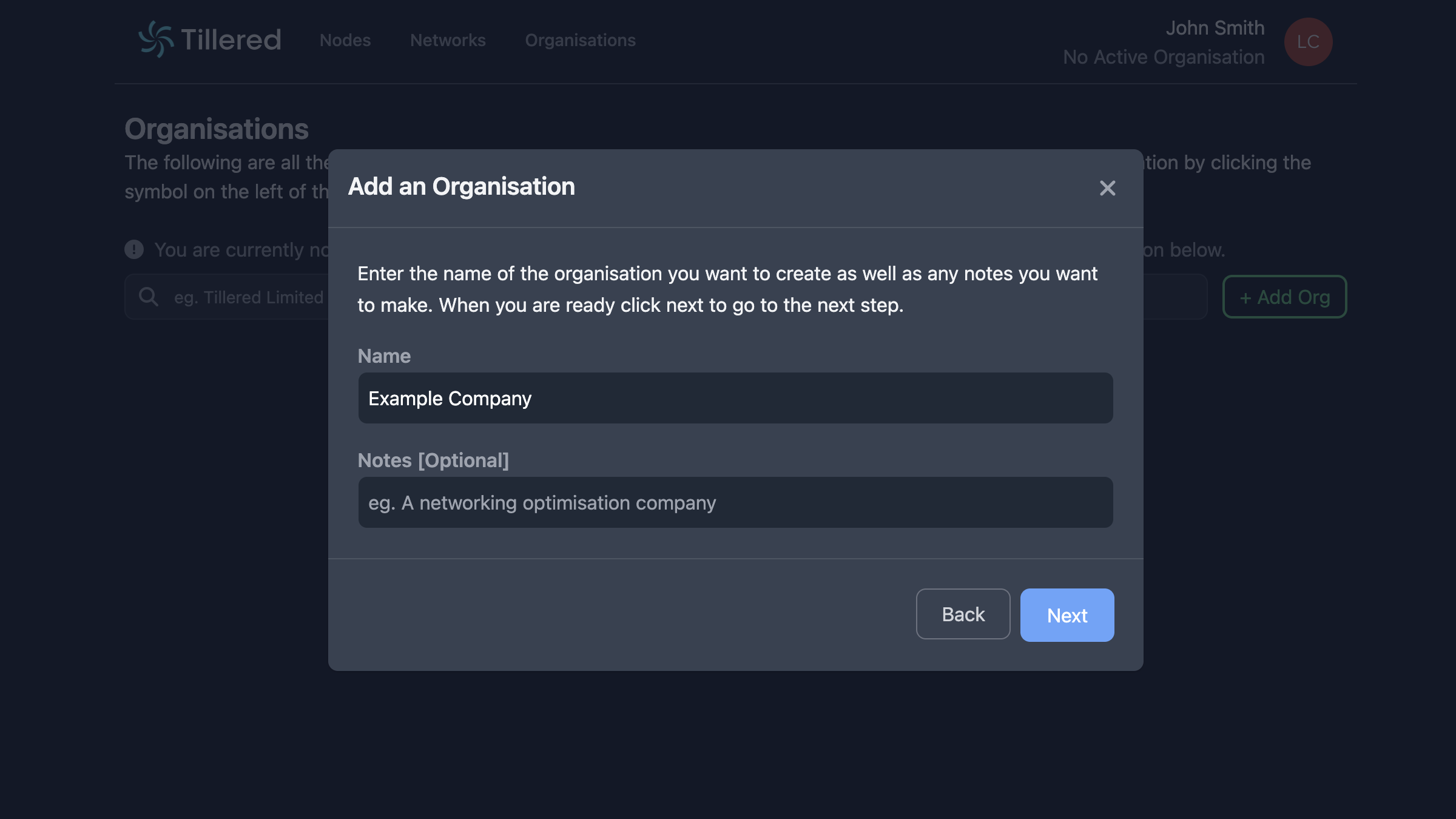
Step 1: Organisation details
Enter a name for your organisation and any notes you want to include.
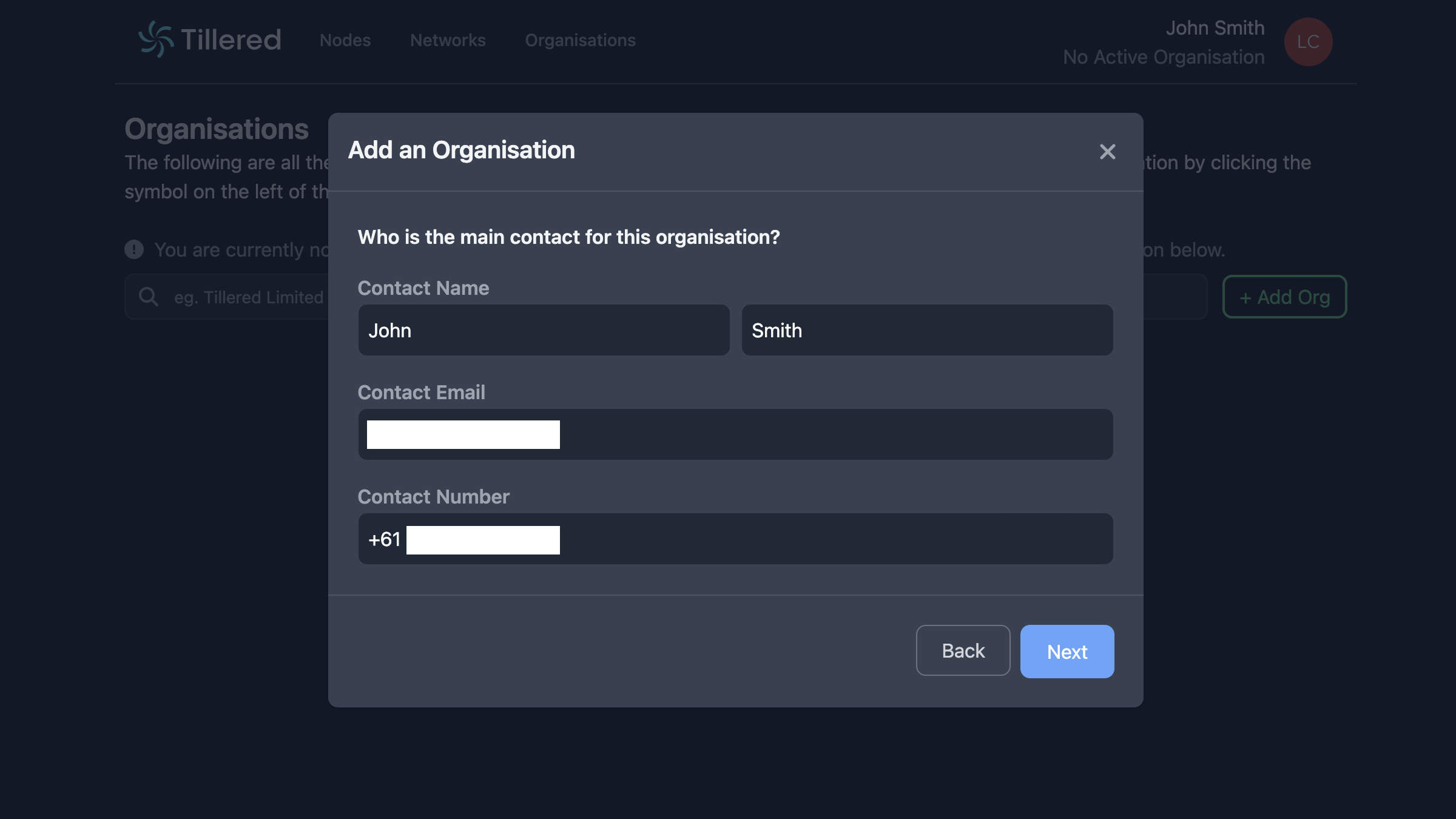
Step 2: Contact information
Provide a contact name, email address, and phone number with country code.
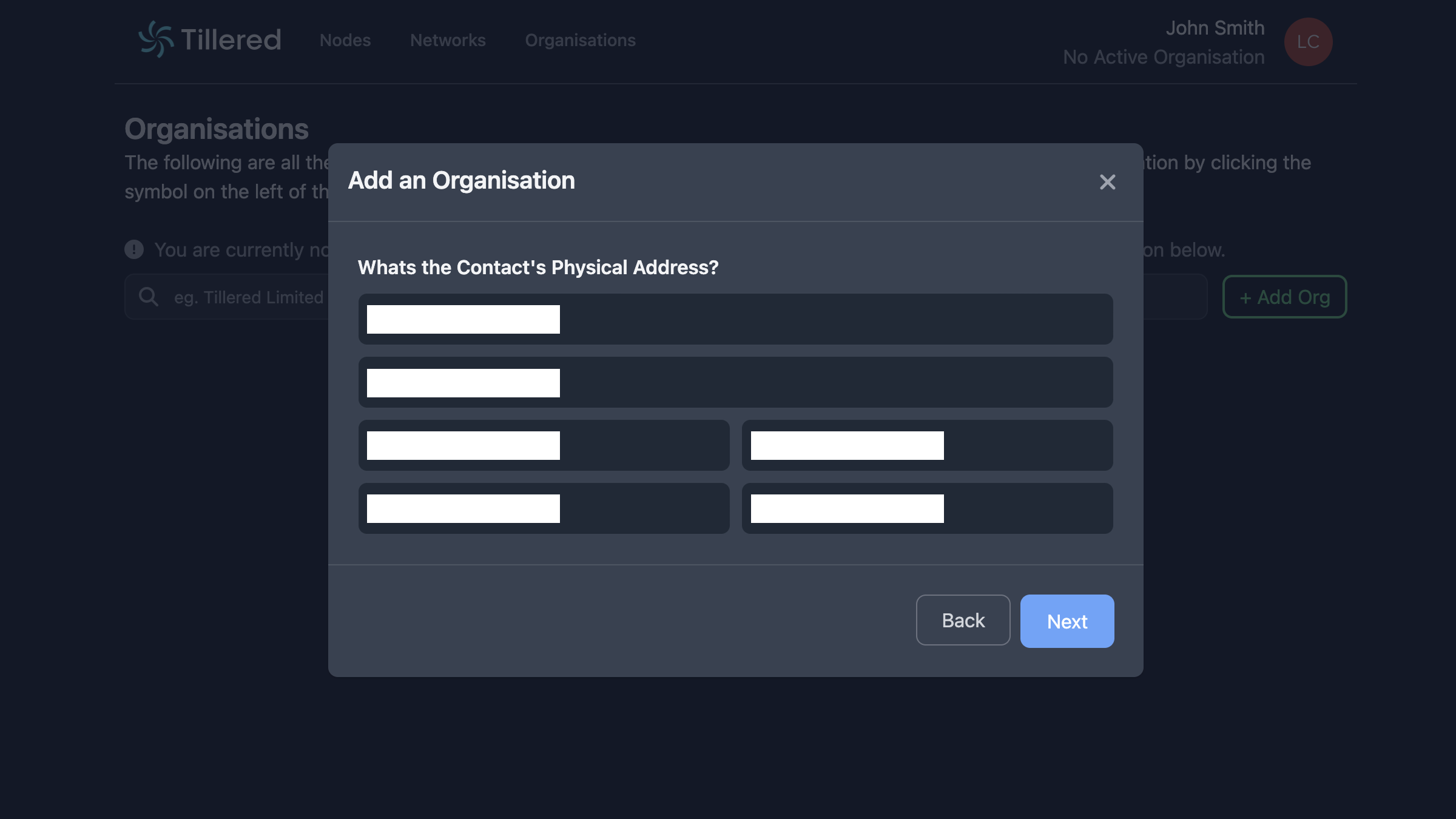
Step 3: Physical address
Enter the physical address for your organisation.
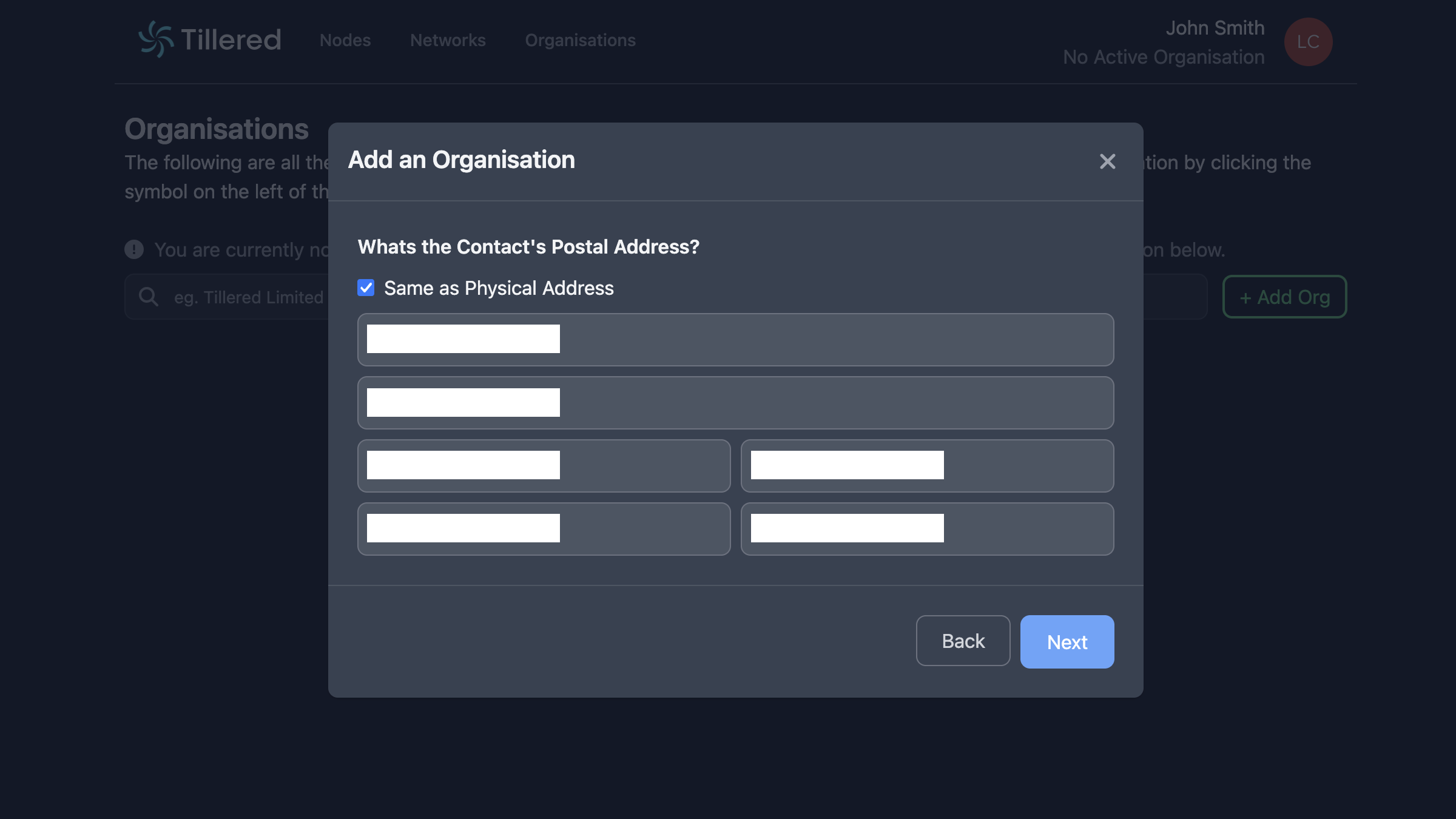
Step 4: Postal address
Enter your postal address. If your postal address matches your physical address, tick Same as Physical Address. This address is also used for billing.
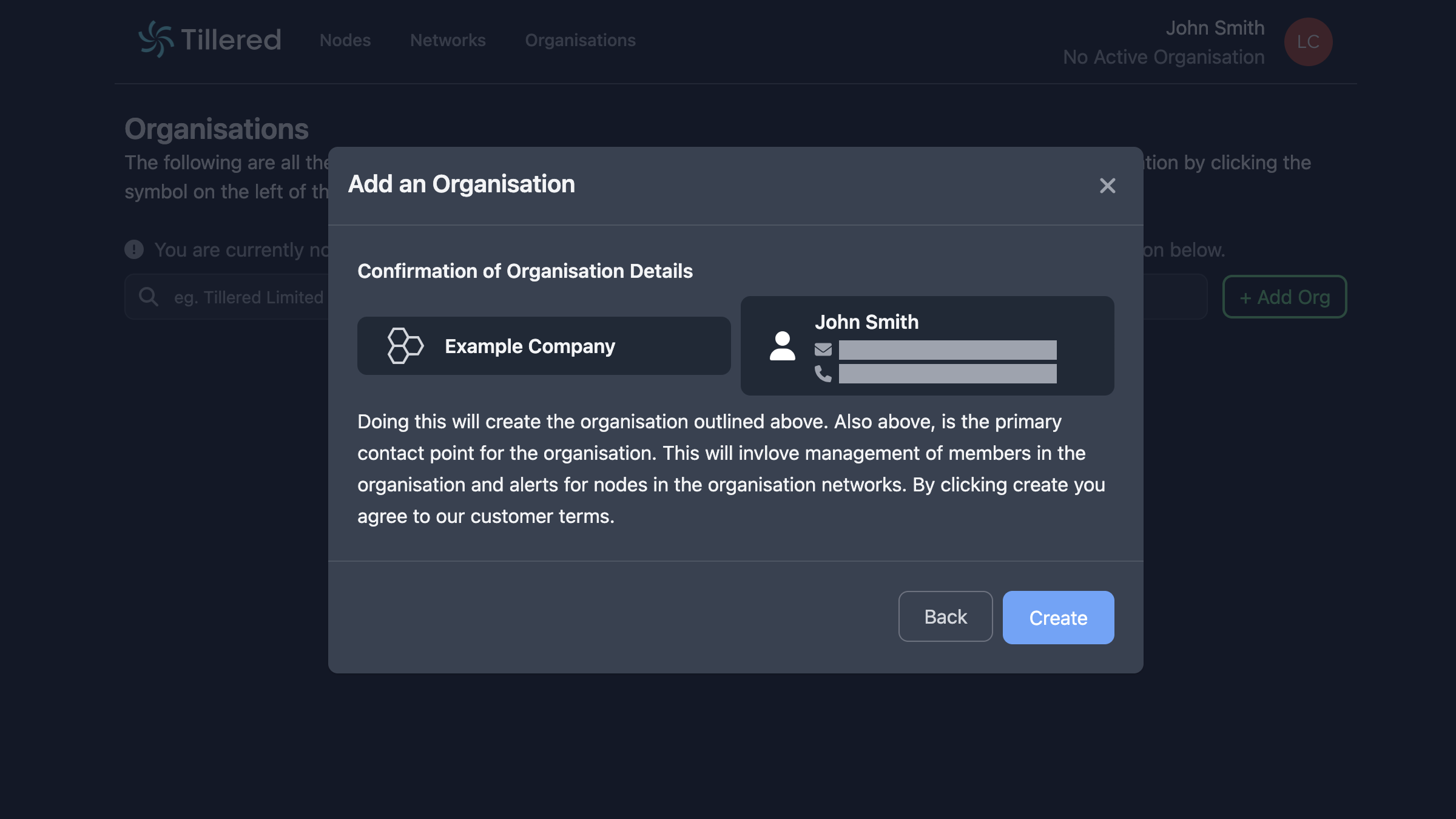
Step 5: Confirmation
Review your details and click Create to finish.
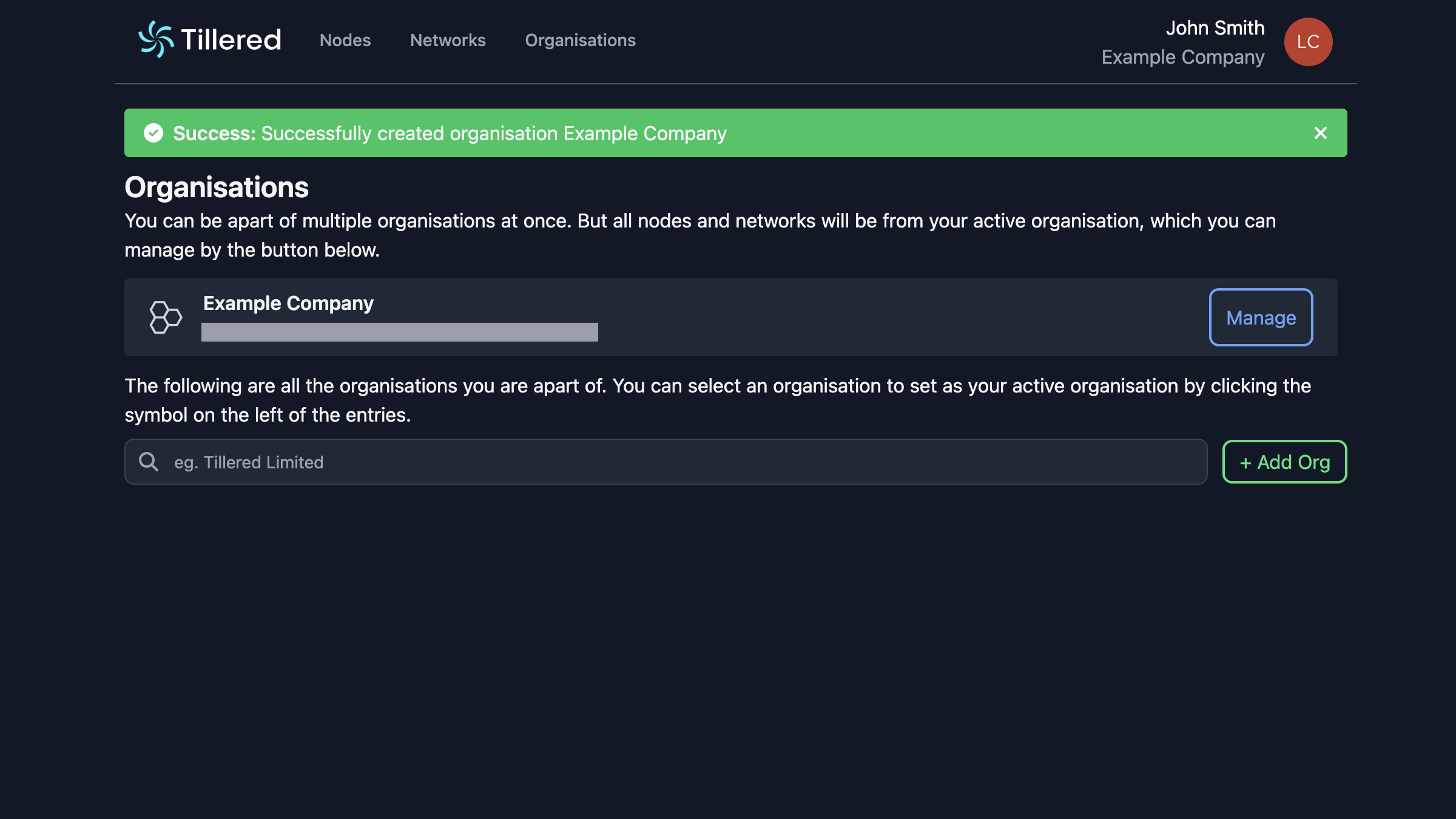
Your organisation is now active and ready to use.
Join an existing organisation
If your team already has an organisation, ask an admin for the organisation UUID. Click Add Org, select Join Existing, and enter the UUID. An admin will need to approve your request before you gain access.
Manage your organisation
From the organisation management view you can review members and organisation details.
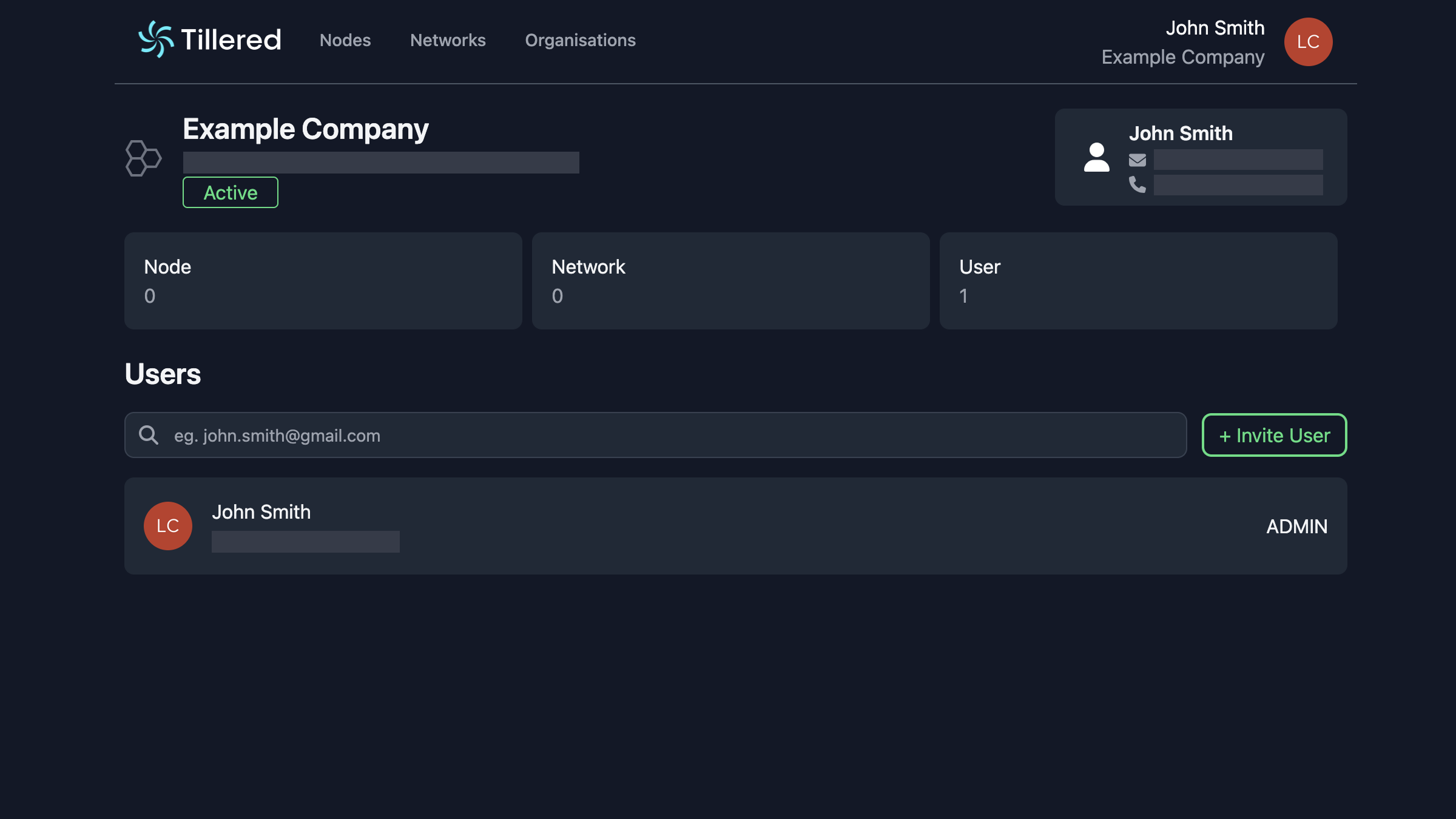
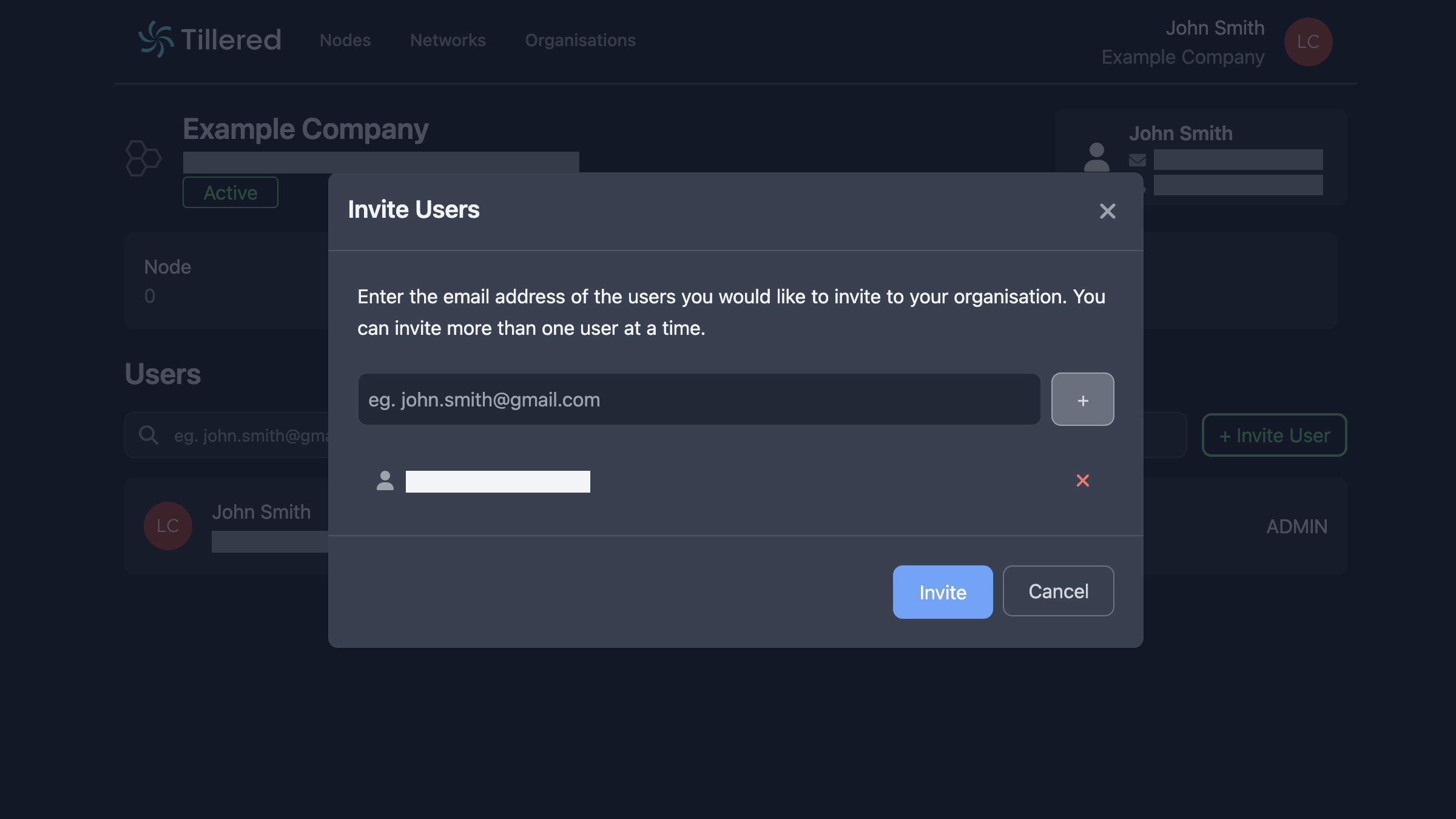
To add team members, click + Invite User and enter their email address. They will receive an invitation to join your organisation.
Next steps
With your organisation in place, set up a network to start connecting nodes.