

Account
Sign up for Tillered Cloud and set up your profile
Before you can manage networks and nodes, you need a Tillered Hub account.
Sign up
Go to hub.tillered.com and create an account. You can sign up with an email and password, or use your Microsoft account.
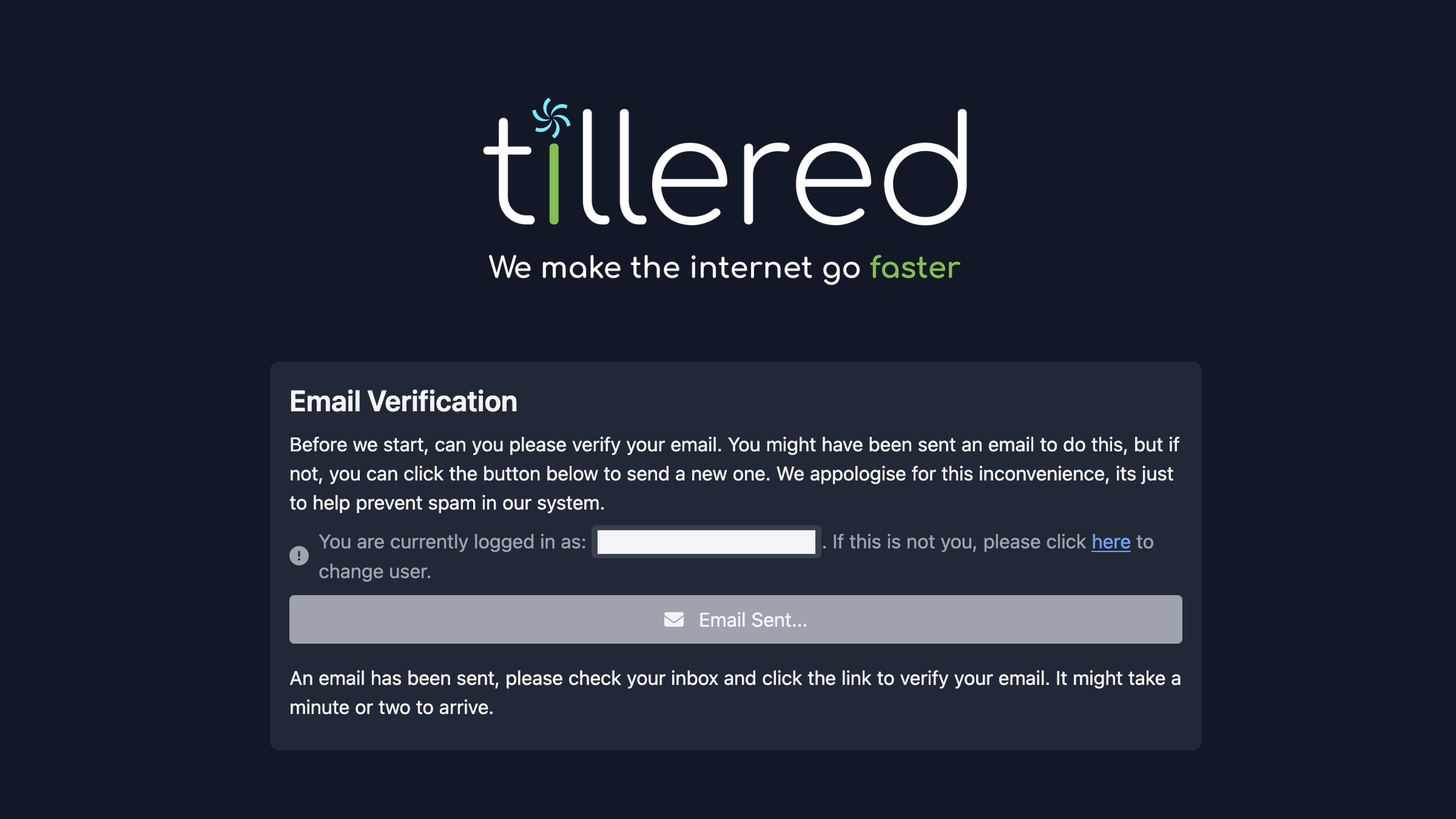
Verify your email
After signing up, check your inbox for a verification email and follow the link to confirm your address.
If you do not see the verification email, check your junk or spam folder.
Set up your profile
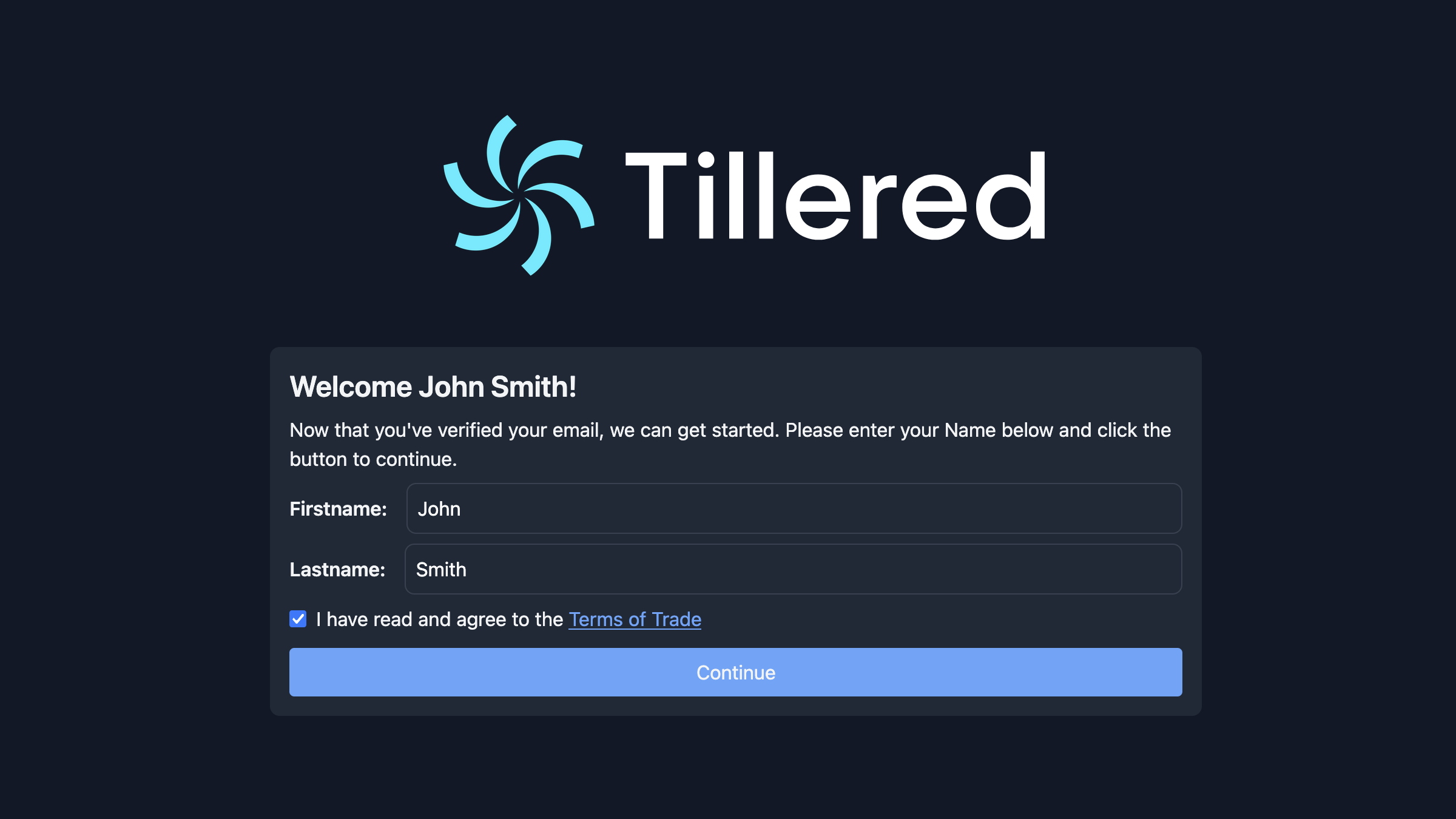
Once verified, you will be prompted to enter your first and last name and agree to the Terms of Trade.
Next steps
With your account ready, set up an organisation to start managing networks.